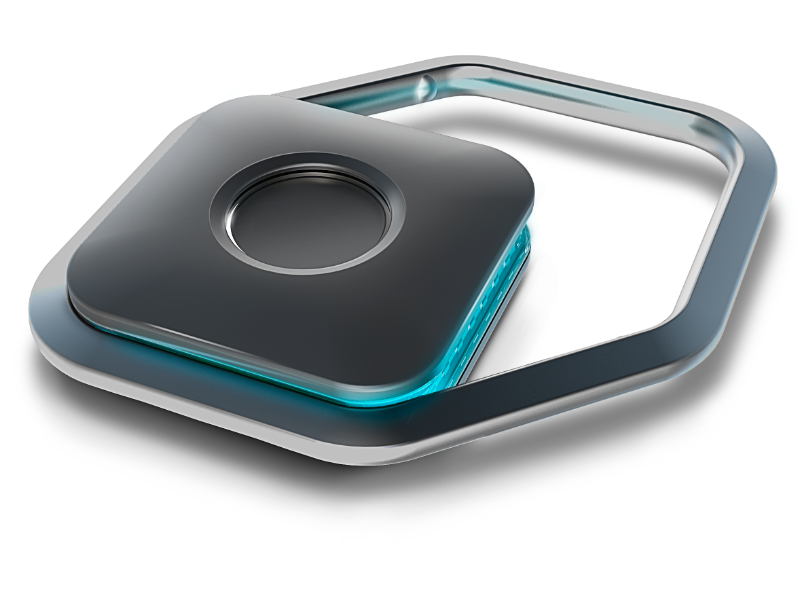

Handles the hard parts of signing in — so you don’t have to.

Password Painkiller™


Easy. No passwords to type. Just press your JEM.

Flexible. Use your JEM, Face ID, or fingerprint — whatever feels right.

In Control. Your keys. Your credentials. In your hands — always.

Free! Works across all your devices — any platform, any Apple or Google ID. You're free to use it anywhere. (You still have to pay for it, though.)

$179

No More Password Pain

JEMPass takes care of remembering, typing, and syncing passwords for you — across all your devices. You don’t log in. You arrive.

Your encrypted Keychain is yours alone — decrypted only when your JEM AirKey recognizes you.

Learn More
Ready for the Future

Passkeys are coming — and JEMPass is ready. Wherever a password isn’t needed, we help you skip it entirely. One press. One rhythm. One you.

Learn More

Your JEMs: Keys to Your Kingdom

Your identity lives in your JEM, secured by your fingerprint. Only you can be you. Two kinds of JEMs:

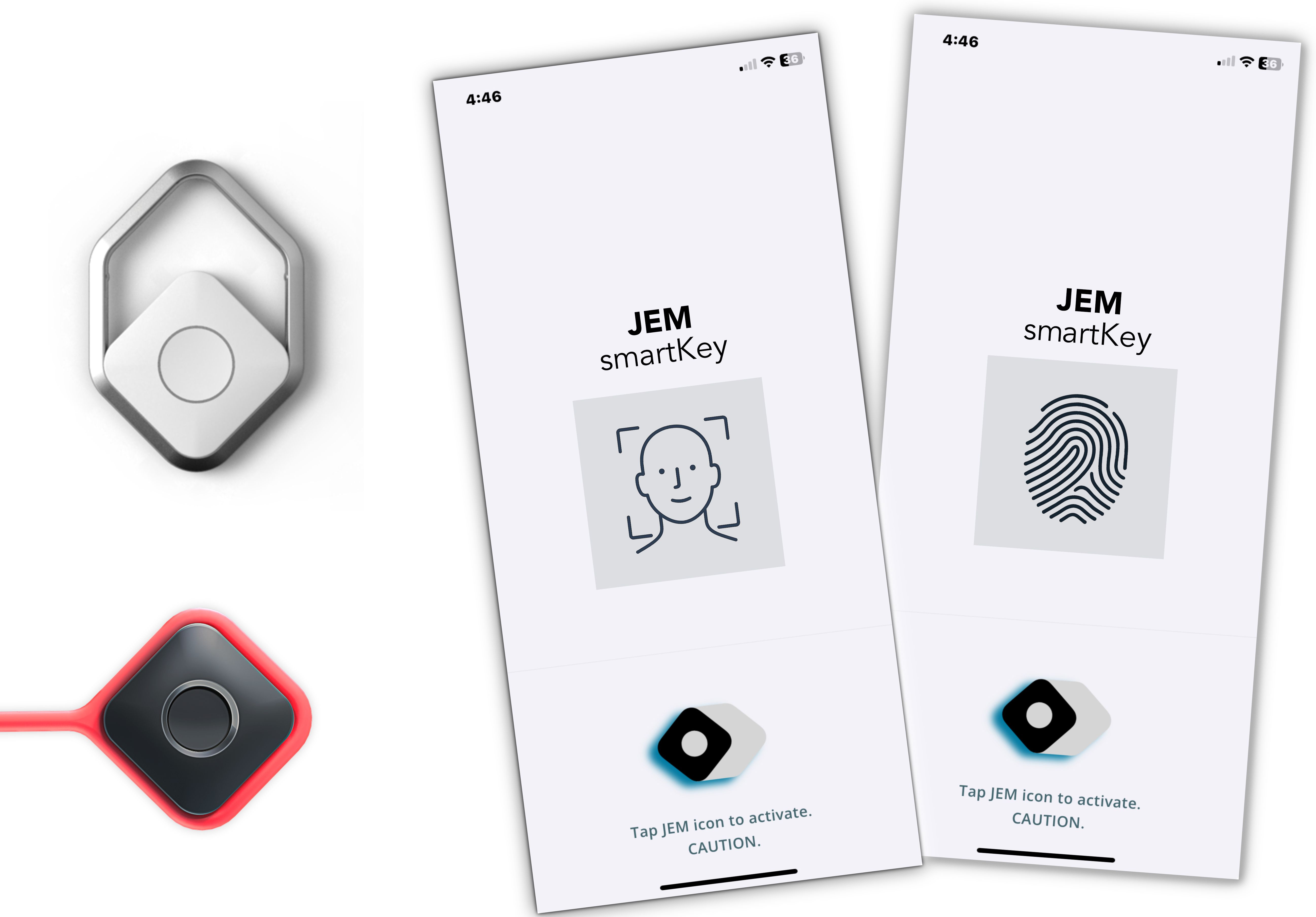
  • JEM AirKey is a small purpose-built personal hardware "key" with a built-in fingerprint sensor
  • JEM SmartKey lives in your Apple or Android smartphone.
Learn More

For some things

You need your own Fort Knox.

Lock those with a JEM AirKey.

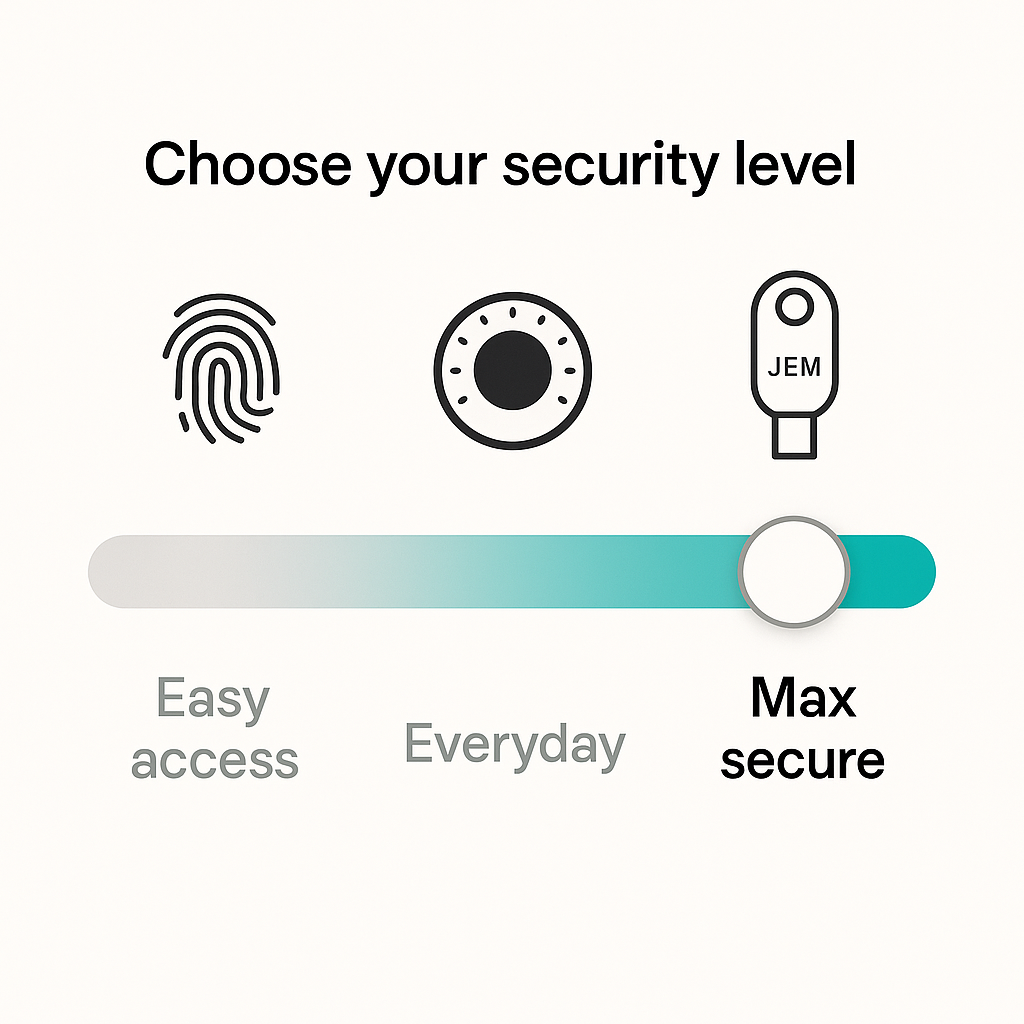
Security options visual

🔐 Choose Your Lock Level

Not everything needs Fort Knox treatment. But some things do — and with JEMPass, you’re in control. You decide what gets locked, and how tightly.

Mark your most sensitive records — like bank logins, crypto wallets, or recovery credentials — as Level 2. These require your JEM AirKey to unlock. No AirKey, no access.

For everything else, use any of your trusted JEM devices — SmartKeys or AirKeys — to unlock with a tap.

No other password manager gives you this level of physical, per-record control. It’s security that bends to your life — not the other way around.

Your Rhythm. Your Rules.

You don’t live a one-size-fits-all life. With JEMPass, your protections aren’t one-size-fits-all either. Apply the right lock to the right thing — and move at your own pace.

Private by Default. Secure by Design.

Everything about JEMPass is built to protect your identity — without burdening you.

No Master Password

No master key to forget, lose, or steal. Your vault is unlocked only by your biometric identity. No memory required.

Biometric Verification

Your presence is the password. Every access is gated by fingerprint or Face ID — no compromises, no extra steps.

MFA Built In

Every unlock is multi-factor by nature — your JEM plus your fingerprint or face. Nothing extra to manage. Nothing to forget.

Instant Autofill

Stop typing. Stop copying. JEMPass fills in your credentials with a tap — on any site or app, across all your devices.

End-to-End Encryption

Everything you store in JEMPass is encrypted before it leaves your device — and only your JEM can decrypt it.

Seamless Sync

Update once, sync everywhere. Your vault stays current across phone, tablet, laptop — instantly and invisibly.

Start Your JEMPass Journey

Two simple steps. One seamless future. Choose your starting point below.

I Have a JEM

You're ready to go. Download the JEMPass app on your primary mobile device and create your account.

I Need a JEM

You can pre-order or purchase a JEM now. Download the app and register today — then pair your JEM when it arrives.

Add to Cart Or Buy on Amazon

I Received an Invitation

If you received an invitation to the JEMPass service, please follow the instructions in the invitation.

Questions? We’ve Got Answers.

Your presence unlocks everything — but here’s what to do when things get complicated.

What if my JEM is lost or stolen?

Your JEMPass vault is encrypted end-to-end and can only be unlocked by your JEM + biometric identity. If your JEM is lost or stolen:

- Your data stays encrypted and safe.
- No one can unlock it without your fingerprint or face.
- You can regain access by pairing a new JEM — using your Recovery Key.

Store your Recovery Key safely. It’s your way back in.

I lost all my JEM AirKeys — can I still recover?

Yes. As long as you saved your Recovery Key during setup, you can pair a new JEM and restore your vault. No JEM, no access — not even for us. That’s security with grace.

How long does it take to charge a JEM? What’s the battery life?

Your JEM charges on its dock — fast at first, then topped off safely. A full charge typically lasts 2–3 days of regular use.

Do I need a subscription?

JEM LE (Lifetime Edition) includes JEMPass for life — no subscription required. Other JEMs may require a subscription. Check your edition when activating your device.

Where can I get help or learn more?

Visit our Support page for setup help, documentation, videos, downloads, and tips for getting the most out of JEMPass.